
dsh-windows-workspace-guard
Safety policy for DeepSeek Harness on Windows. It checks model-issued PowerShell calls before execution and protects workspaces, original files, persistent shell state, Windows system state, processes, and Git recovery paths.
安装
在 DeepSeek Harness 终端运行:
dsh plugin --profile web add julescules/dsh-windows-workspace-guardREADME
Windows Workspace Guard for DeepSeek Harness
This release caps audit files at 32 MiB, rejects invalid limits, and refreshes the visual walkthrough.
Understand what your Windows agent is about to change—and why a call was blocked.
| Your problem | Ask the agent |
|---|---|
| A command looks risky | “Check this command without executing it.” |
| Protection seems incomplete after an upgrade | “Run windows_workspace_guard_doctor and explain uncovered tools.” |
| Too many blocks, no clear explanation | “Run windows_workspace_guard_audit_summary and show the most frequent rule IDs.” |
New in v1.1.1: make audit logs useful
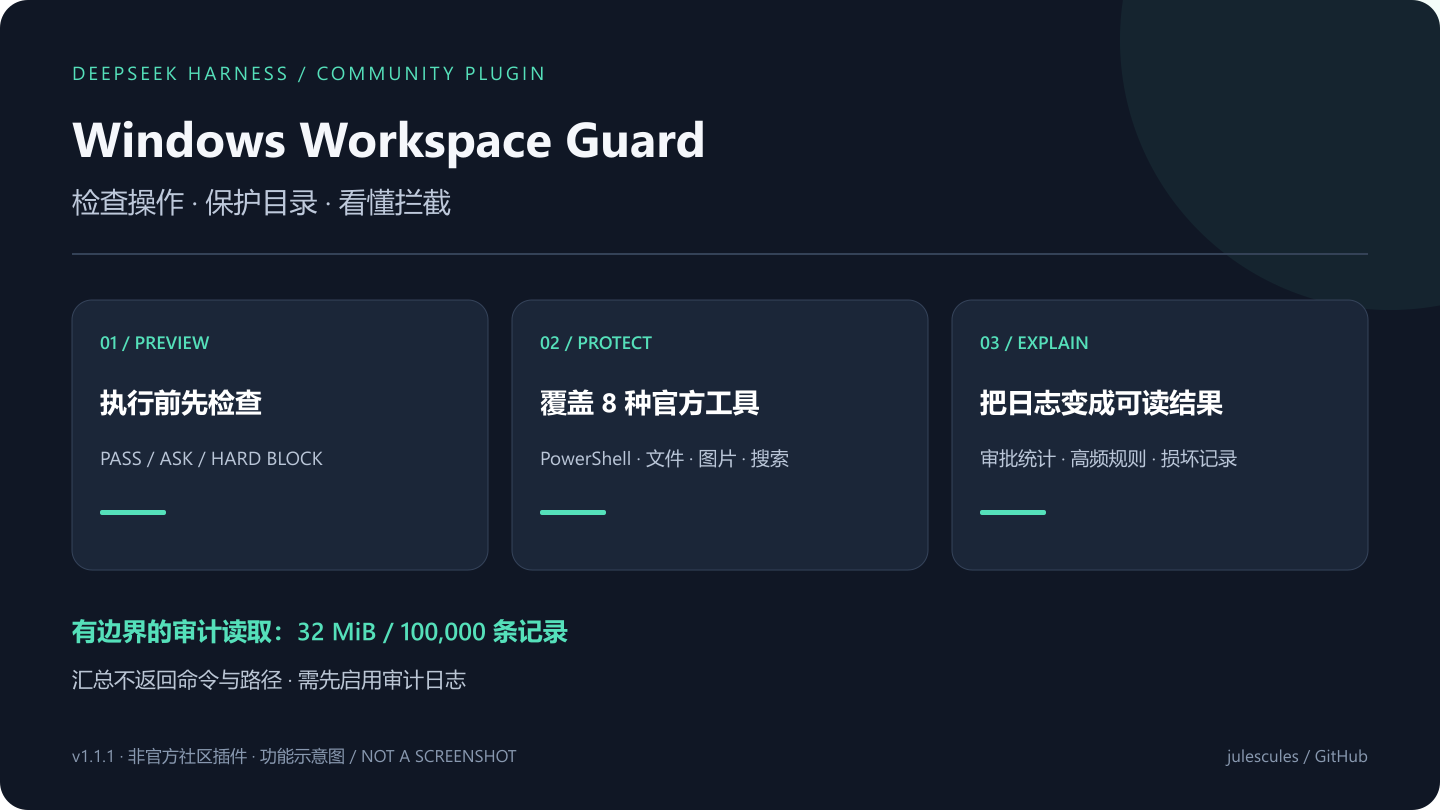
The new windows_workspace_guard_audit_summary tool reads the configured audit log and returns decision totals and frequent rule IDs. It excludes commands, working directories, and target paths. Malformed rows and the 100,000-record limit are reported explicitly so partial evidence is visible.
Set auditPath to a project-owned JSONL path in the plugin settings to collect future decisions. Logging is opt-in; the tool cannot reconstruct old activity. You can also run node audit-summary.js D:\project\logs\guard.jsonl from the package directory without a model or API key.
Use the summary to identify a rule, then inspect that specific case with the dry-run tool before changing policy.
中文 | English


[!IMPORTANT]
Unofficial community plugin. Independently developed and maintained; not reviewed or endorsed by DeepSeek.
Stop a Windows agent before it deletes originals, escapes the workspace, destroys Git recovery paths, reads credentials, or changes system state. PowerShell and both official filesystem suites receive a clear PASS, ASK, or HARD BLOCK before dispatch.
Start in 30 seconds
dsh plugin --profile web add github:julescules/dsh-windows-workspace-guard#v1.1.1
dsh --profile web --dump-config
dsh --profile web
Restart DSH, then ask:
Run windows_workspace_guard_doctor, then use windows_workspace_guard_check
to inspect this command without executing it:
Get-Content -LiteralPath $env:DSH_HOME\.credentials.yaml
Why v1.1.1
Verified multi-tool boundary
The default protected set follows the official rc.1 Windows/file surface: pwsh, read, extensionless-capable read_image, write, edit, glob, grep, and Minimal's str_replace_editor. Each adapter reads only the official path and operation fields, omits file content, search text, and replacement strings from policy previews, and applies the same workspace, immutable-path, existing-link, and sensitive-path rules.
Configured tools without a verified argument adapter fail closed. Doctor reports every configured tool as covered or unsupported; the plugin never treats an unknown schema as PowerShell and calls it protected.
Upgrades preserve live settings. If an older profile already stored a shorter toolNames list, add read_image, glob, and grep in the settings card; Doctor will show the effective coverage.
Official grep searches hidden and ignored files. With guardSensitiveData enabled, v1.1.1 requires a narrow include glob such as *.js or *.ks; an unbounded search fails closed before a hidden .env can be returned. Explicit credential-like paths and glob patterns are blocked too.
Monotonic hard blocks
Workspace escapes and unverifiable mutation paths are hard blocks. allowExact remains available for explicit review-level commands, but it cannot authorize a write outside the configured workspace or bypass any non-overridable policy.
Static non-overridable rules are also registered through the official synchronous ctx.tools.guard() seam. They remain denials even if another reorderable tools/pre-execute listener short-circuits its waterfall. Older Harness builds without that API keep the pre-execute fallback.
Live junction/symlink inspection remains asynchronous in tools/pre-execute; it cannot be moved into a synchronous guard and is reported honestly as a separate layer.
Credential and secret boundary
With guardSensitiveData: true (default), guarded pwsh, read, and editor calls block explicit reads or copies of:
$DSH_HOME\.credentials.yamland.envfiles;- user SSH, AWS, Azure, Git, npm, GitHub CLI, and NuGet credential locations;
- configured
sensitivePaths; - sensitive environment variables and full
Env:enumeration; - same-command outbound-network use combined with an explicit sensitive source.
This is a conservative tool boundary, not a general DLP system. It does not inspect arbitrary native-process memory, already-running processes, or tools outside toolNames.
Read-only Windows doctor
windows_workspace_guard_doctor reports facts without changing ACLs or configuration:
ctx.tools.guard()availability;- configured-tool coverage and adapter type;
- DSH home and configured workspace/protected path state;
- existing link metadata for configured roots;
- audit-path writability and bounded duplicate-runtime checks;
- credential-file ACL metadata on Windows, without opening credential contents.
Decisions
| Result | Meaning |
|---|---|
| PASS | No matched risk under the active policy. |
| ASK | A reviewable operation needs one host approval in mode: ask. |
| HARD BLOCK | Disk/system mutation, policy bypass, immutable path, link traversal, or sensitive-data access cannot be approved away. |
Use windows_workspace_guard_check for a dry run. Select pwsh with command; select read, write, or edit with path; or select str_replace_editor with an operation plus absolute path. It returns machine-readable findings and never executes the call.
Main settings
The DSH Web settings card updates these values live:
enabled: true
mode: block               # block | ask | report
toolNames: [pwsh, read, read_image, write, edit, glob, grep, str_replace_editor]
workspaceRoots: []        # empty = current session cwd
protectedPaths: []
guardExistingLinks: true
guardSensitiveData: true
sensitivePaths: []
auditPath: ''             # optional append-only JSONL
auditIncludeCommand: false
auditFailClosed: false
With an audit path, dispatch writes occur after host approval and monotonic guards. Denied calls are observed after their final result. Commands are hashed and redacted by default.
DSH integration
The package stays outside Harness core and uses the official dsh.bundle.patch, tools/pre-execute, ctx.tools.guard(), tools/execute, tools/result, settings, and typed-tool seams.
Upgrade, disable, uninstall
dsh plugin --profile web add github:julescules/dsh-windows-workspace-guard#v1.1.1
dsh plugin --profile web list
dsh plugin --help
Use the disable/remove command shown by dsh plugin --help for your Harness build, then restart DSH. Profile command names are still changing during developer preview.
Troubleshooting and data
- Missing settings card: run
dsh --profile web --dump-config, confirmwindows-workspace-guard, then restart Web. - False positive: run the dry-run tool and report finding IDs plus a redacted command/path.
- The plugin makes no network requests. Doctor reads filesystem/ACL metadata only and never credential values.
- No audit file is created unless
auditPathis configured. - Keep
workspaceRootsandsensitivePathsabsolute and narrow.
Verify
npm run check
npm pack --dry-run
node scripts/build-release-metadata.mjs .\dsh-windows-workspace-guard-1.1.1.tgz .\builds\v1.1.1
.\scripts\verify-release.ps1 -PackagePath .\dsh-windows-workspace-guard-1.1.1.tgz -ChecksumsPath .\builds\v1.1.1\SHA256SUMS
Each release ships a SHA-256 checksum and CycloneDX SBOM. The verifier reads files literally and makes no network request.
Limits
- Static policy is not an operating-system sandbox.
- A filesystem TOCTOU window remains between link inspection and execution.
- Tools outside
toolNamesare not covered; configured names with unknown argument schemas fail closed and appear as Doctor warnings. - ACL warnings are review evidence, not automatic permission repair.
For missed cases, reply in the official community plugin thread with Windows, PowerShell and DSH versions, a redacted command, expected PASS/ASK/BLOCK, and redacted doctor output.
See CONTRIBUTING.md and SECURITY.md.
License
Compatibility: runtime-validated on DSH 0.1.2-rc.1. Upstream 0.1.3-alpha.1 is published on GitHub; its npm package was unavailable on 2026-09-06, so runtime compatibility with that alpha is not yet claimed.
评价与评分
登录后即可为该插件评分和评价。
还没有人评价这个插件,来抢个沙发吧!